
Rotary Moulder Workbench
Design industrial rotary cookie & cracker moulder drums in FreeCAD — drafted cavities, engraved or embossed details, docker pins, and full patterning around the drum. Free and open source.
What it does
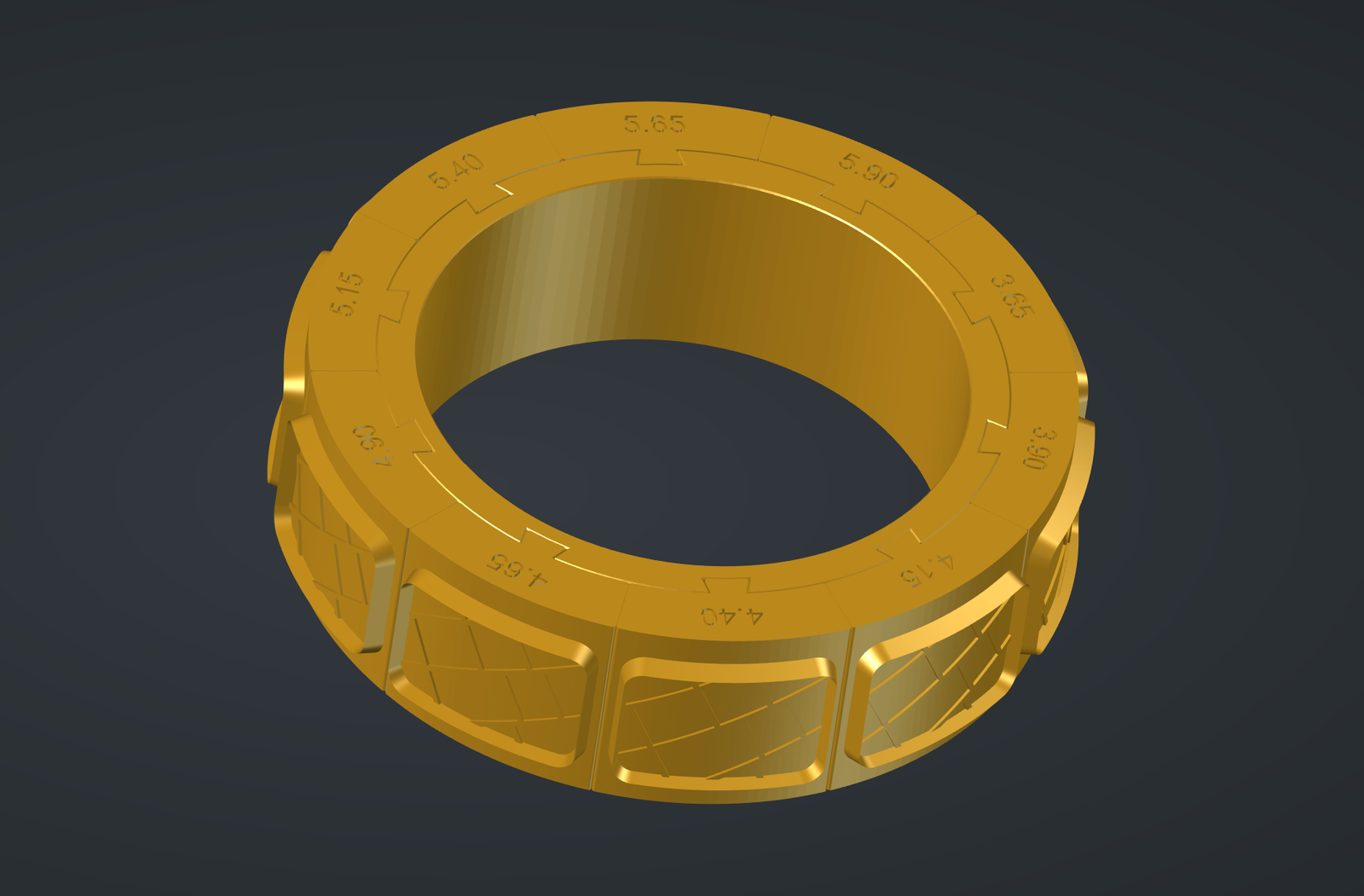
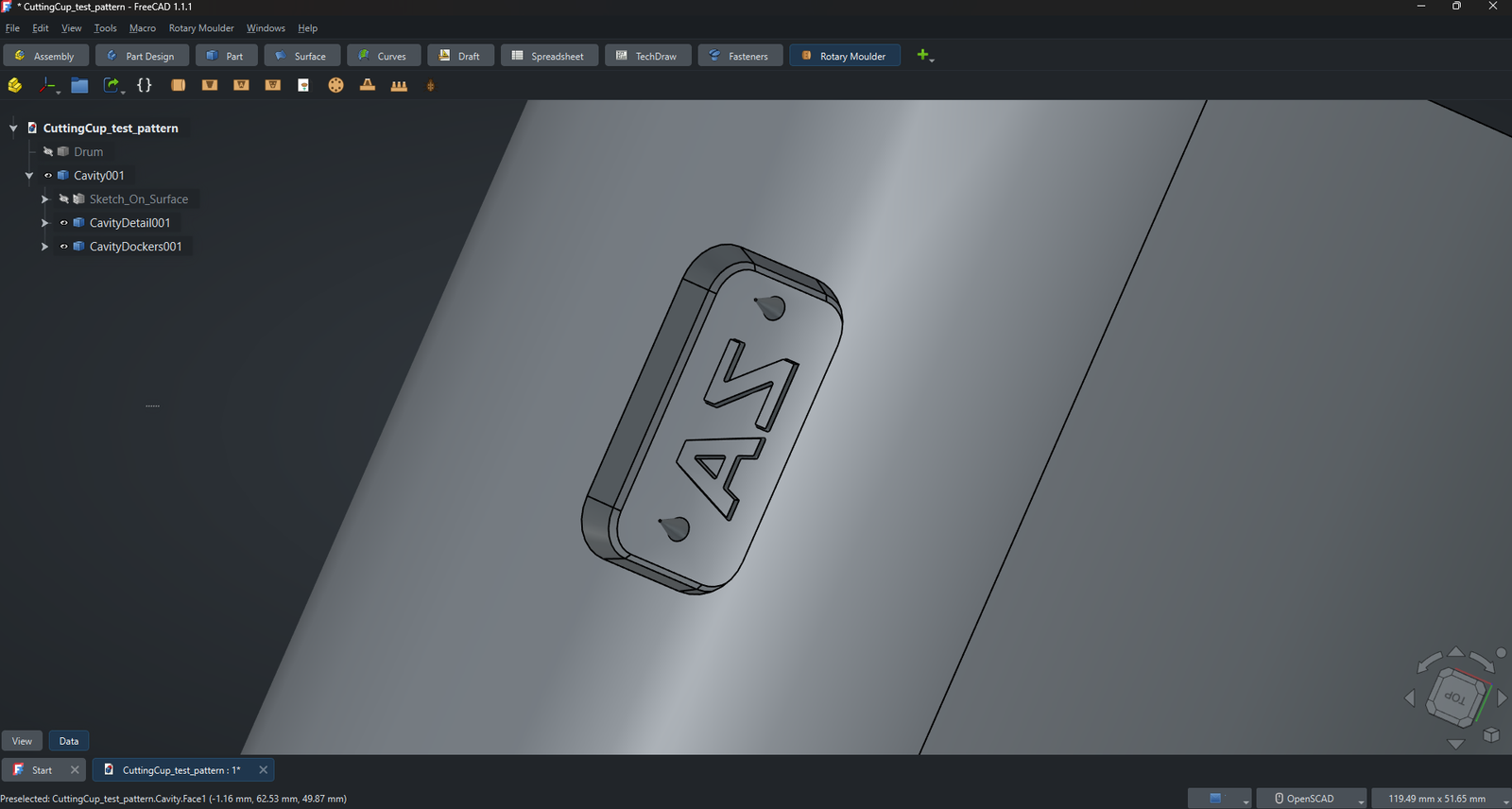
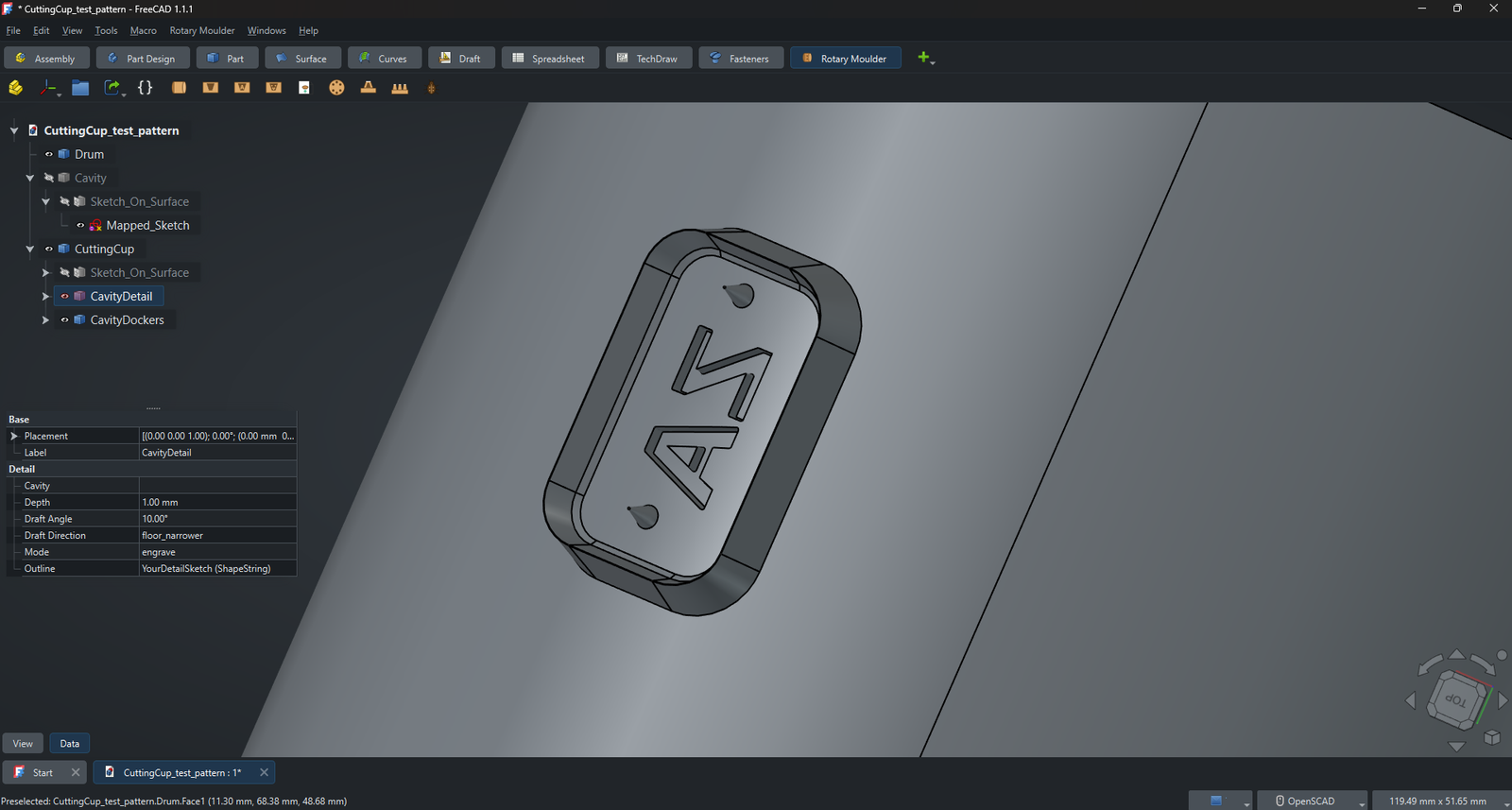
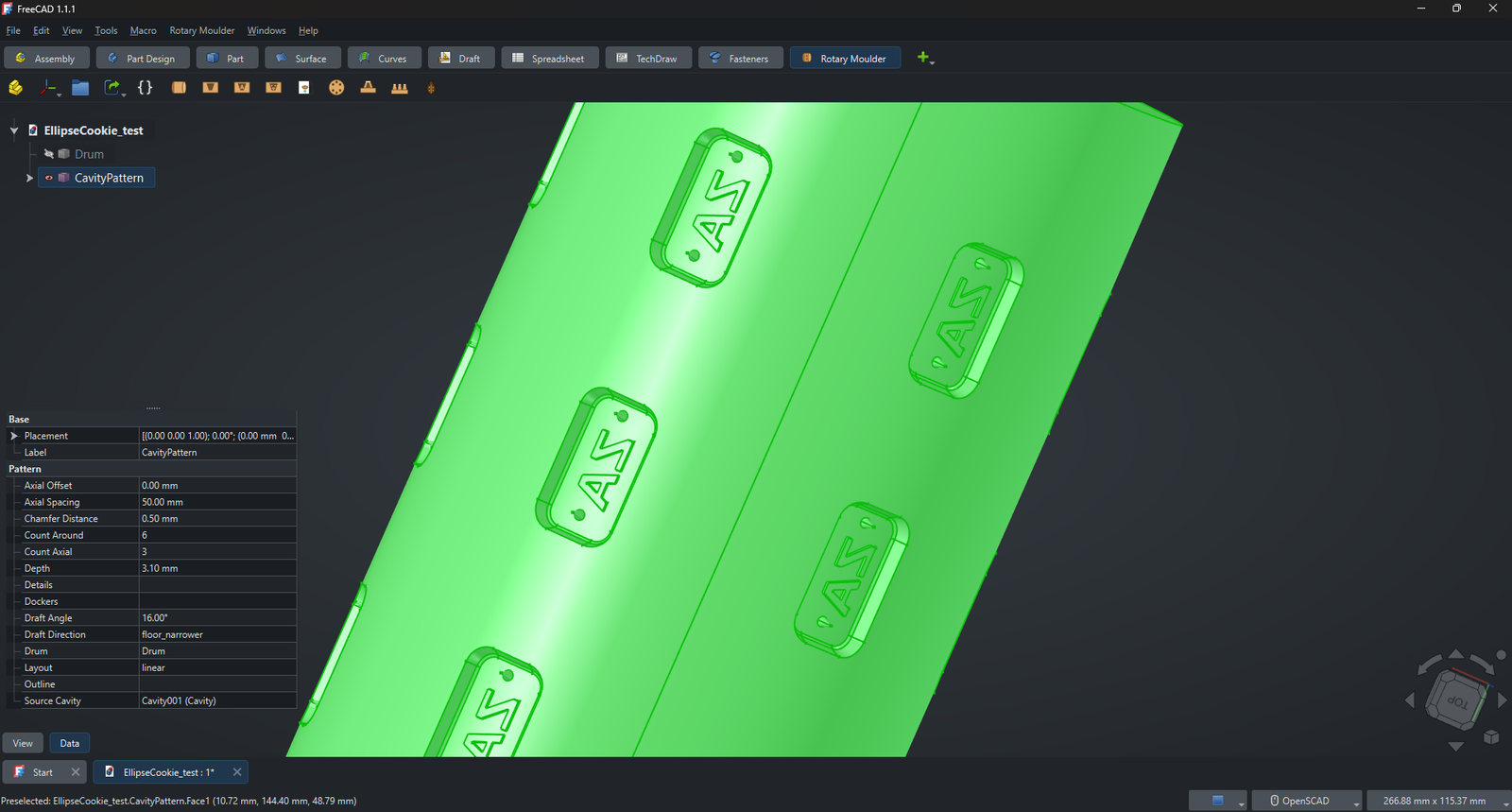
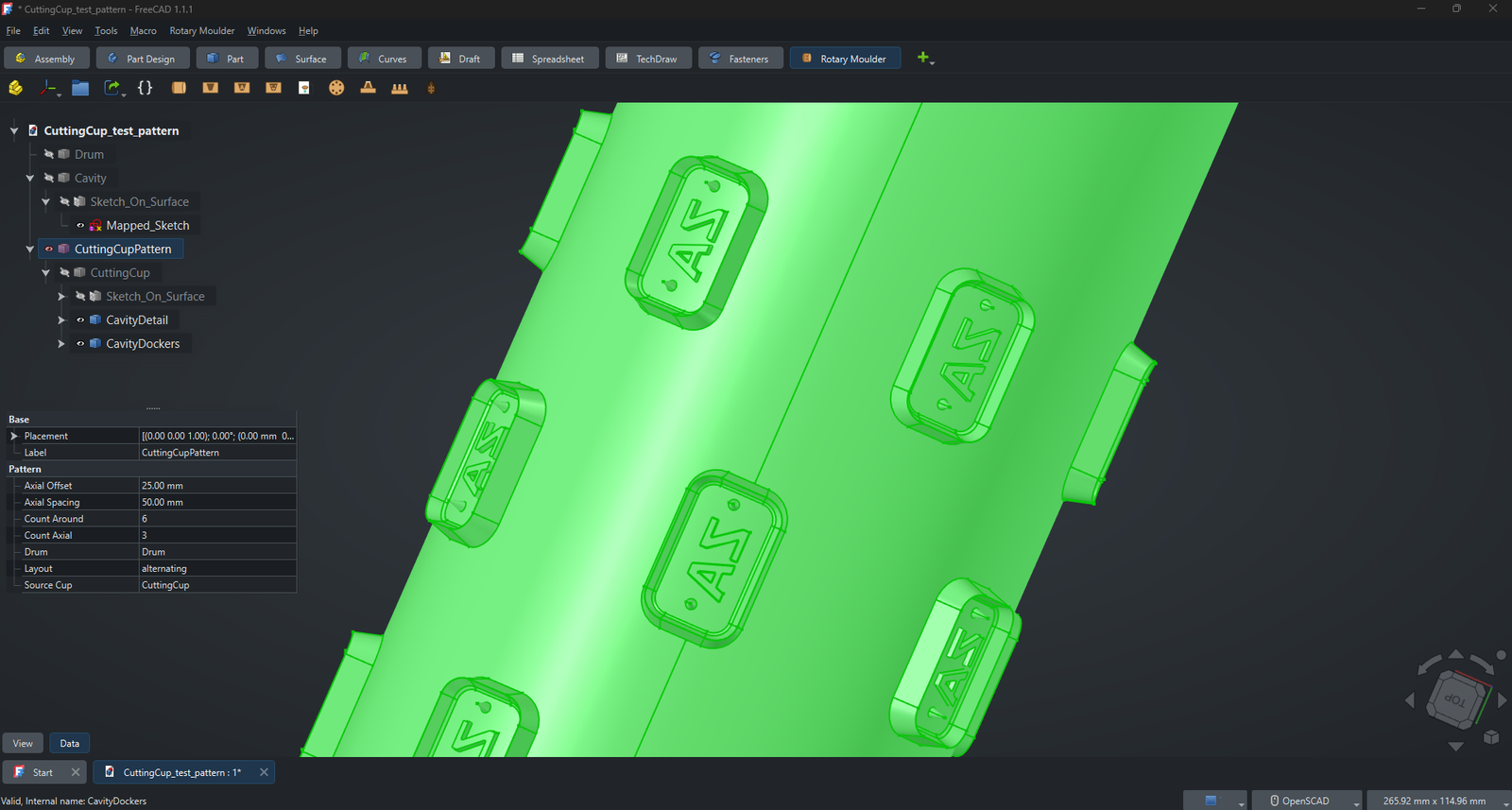
You sketch a cookie outline — plus optional letters, shapes, rosters and docker-pin positions — on a flat sketch. The workbench wraps it around a cylindrical drum and cuts a drafted cavity so the dough releases cleanly, then replicates it into a full, production-ready mould around and along the drum. Also supports creating individual cutting cups. It's the same kind of tooling behind the cookie rollers in my portfolio — packaged so you can design your own.
- Drafted cavitiesProper release-angle taper with a conformal floor, so dough pops out cleanly. Rotary moulder style or cutting roller style.
- Letter, shape & roster (lattice) detailsEngrave or emboss text, designs and rosters inside each cavity or cutting cup.
- Docker pinsConical perforation pins with rounded tips — e.g. for crackers.
- PatternsReplicate around and along the drum in a linear or alternating (brick-laid) layout.
- Built for real drumsSensible defaults and a debug toggle to inspect construction geometry.
- Open sourceLGPL-2.1 — free to use, modify, and share.
See it in action
Requirements
- FreeCAD 1.1 (also tested with 1.0)
- Curves Workbench (free — used to project sketches onto the drum)
- License: LGPL-2.1-or-later
Install
- Easiest: FreeCAD → Tools → Addon Manager → add this repo as a custom repository → install Rotary Moulder → restart.
- Manual: unzip and copy
freecad/rotary_moulderinto your FreeCADModfolder, then restart.
Free, open source, yours to modify
Grab the latest release from GitHub. Found a bug or have an idea? Open an issue, or email me — I read every one.